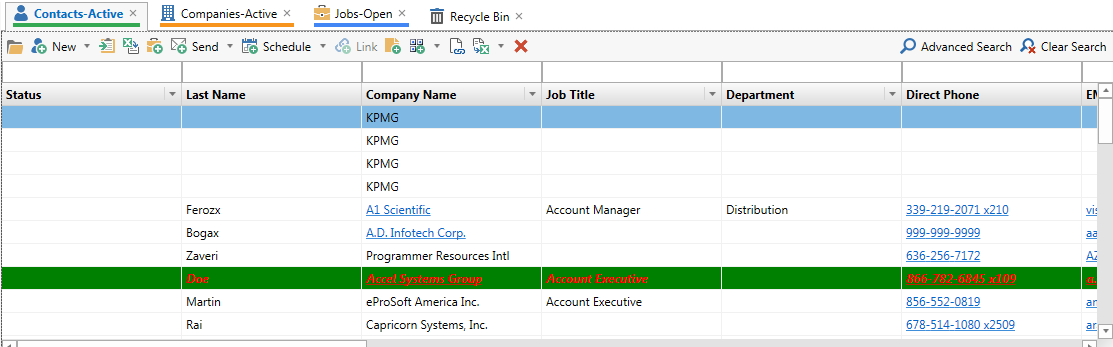
Recycle Bin in Exelare
Restore deleted records from Recycle Bin
As requested by several clients, we now have implemented Recycle
Bin feature in Exelare.
Once you delete any main entity record like a Company, Client,
Candidate or Job. These records get moved to “Recycle Bin” folder and
will automatically get deleted 90 days after the Items were deleted. With-in
this time-period you can go into “Recycle Bin” select the desired
record(s) and click on “Restore Items” button at the top of the menu
bar to restore them.
Screen shots below will explain in more detail.
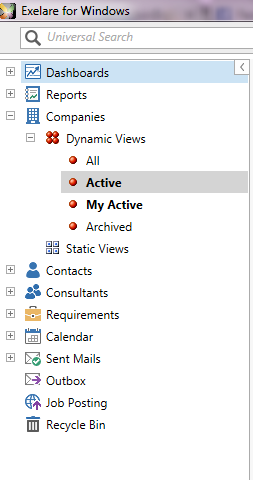
Screen 1: This
is where you will see “Recycle Bin” folder.
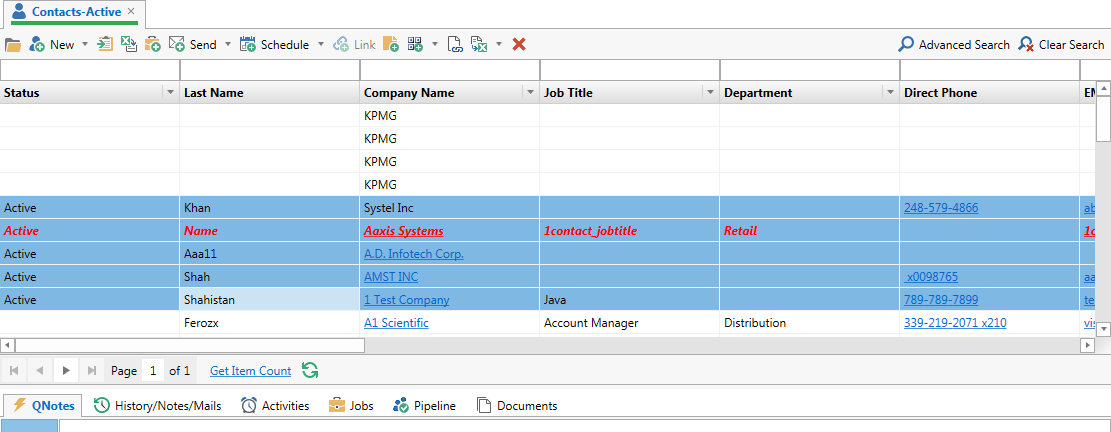
Screen 2: To
Delete Records, select (i.e., highlight) the records you want to delete hit the
“Red X” on the menu bar.
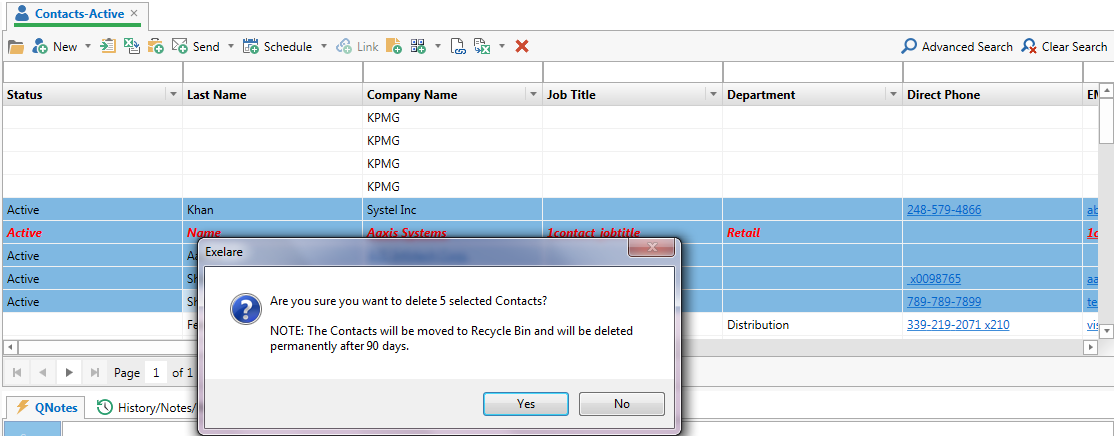
Screen 3: Clicking
on “Yes” in the popup will delete the selected items.
Screen 4: You
will see all deleted records in your “Recycle Bin” folder.
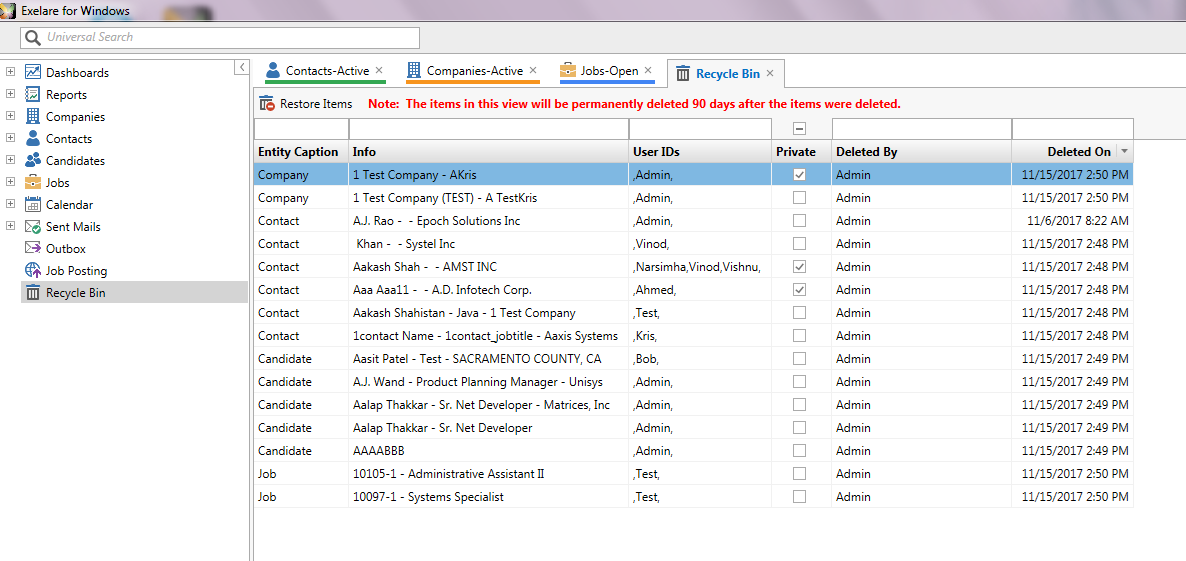
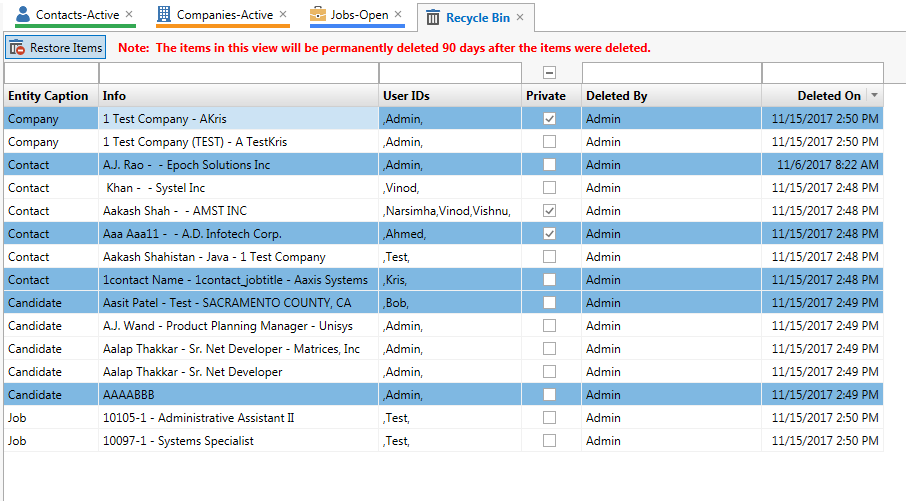
Screen 5: You
can select any single or multiple items and click on “Restore Items” to restore
the deleted record(s).
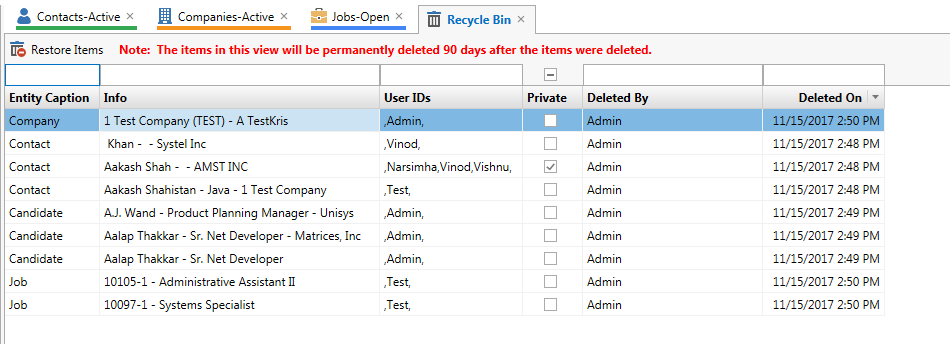
Screen 6: Once
restored, you would see the remaining items that were deleted. If not restored
these records will automatically be deleted permanently 90 days after the items
were deleted.
Screen 7: Once
the records were restored from “Recycle Bin” folder, they will appear back in
your respective folder/entity (i.e., Contacts, Candidate, Companies or Jobs).